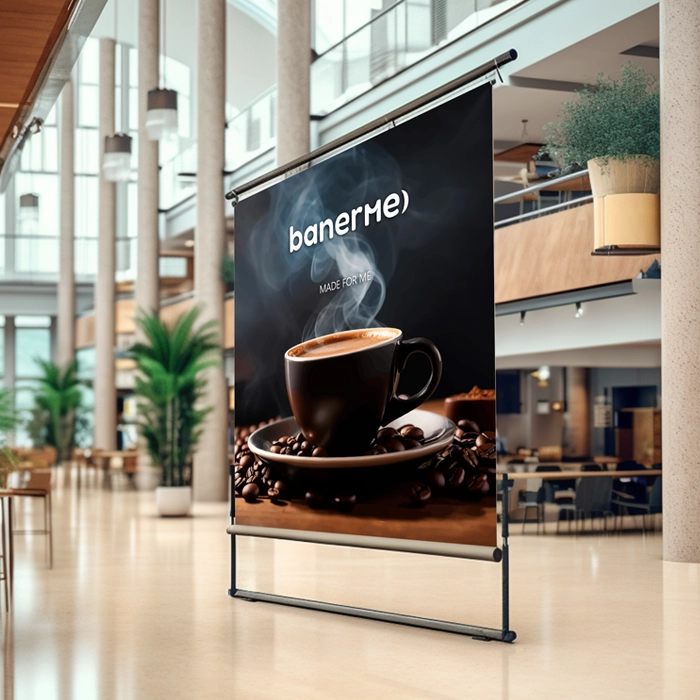
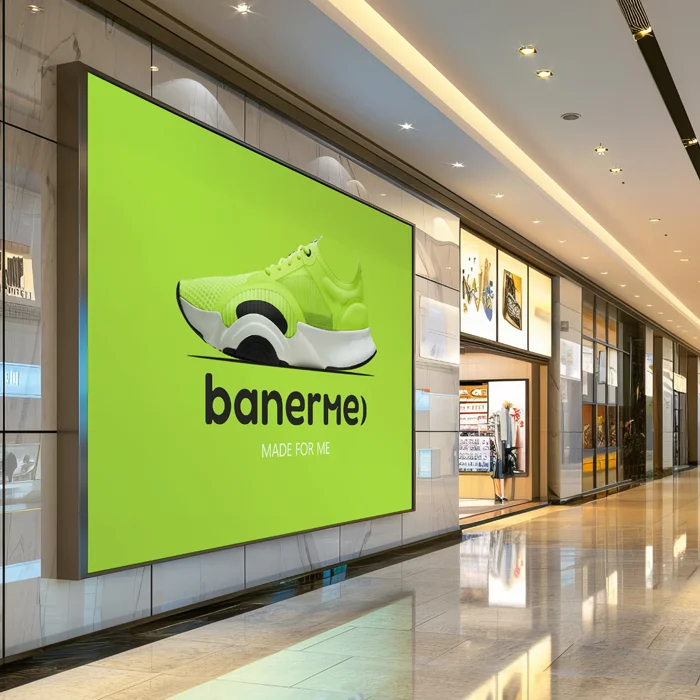
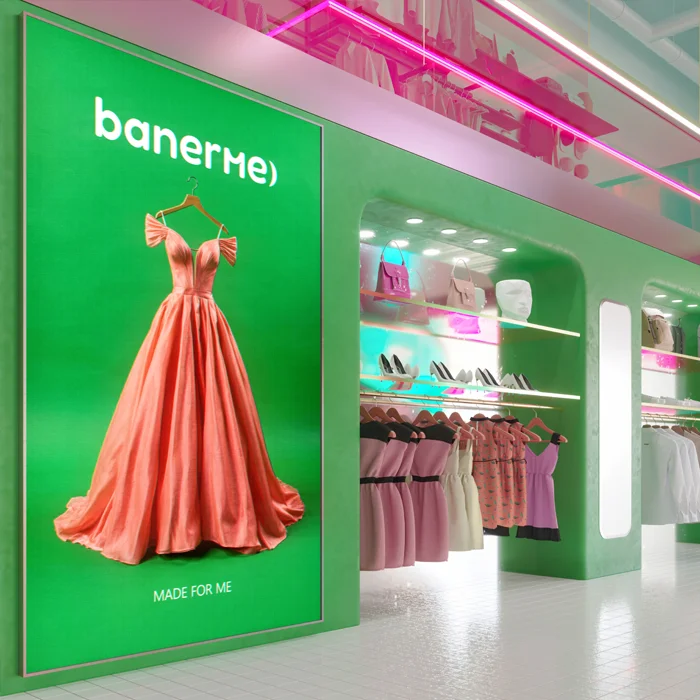
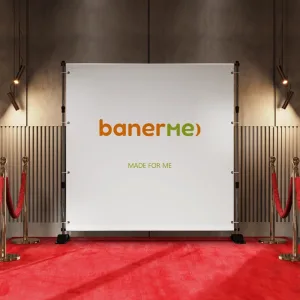
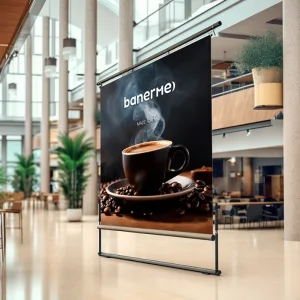
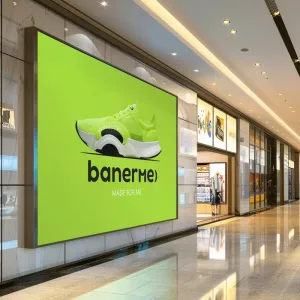
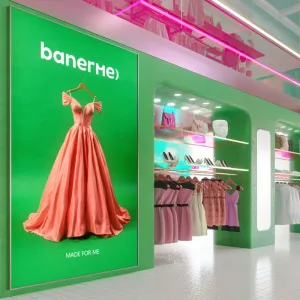
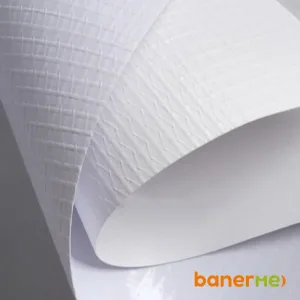
Banner for interior advertising
100 ₴
A banner for interior advertising is a quick way to attract a client's attention right indoors. Suitable for a store, cafe, salon or office: for promotions, navigation or space decoration. Order a banner in a few clicks - choose the size, add a layout and immediately see the cost in the calculator. High-quality printing, clear image and easy installation.
Banner for interior advertising
An interior advertising banner is a simple and effective tool that helps deliver your message to the customer directly indoors. When a person is already in a store, cafe, salon or office, an interior banner works most effectively: it attracts attention, emphasizes promotions and helps them make a purchasing decision faster.
On Banner You can order a banner for your premises quickly and without any hassle. The design process is as clear as possible: choose the size you need, download a ready-made layout or create your own design - and you get a ready-made banner that you can use right away. No long approvals or complicated technical details.
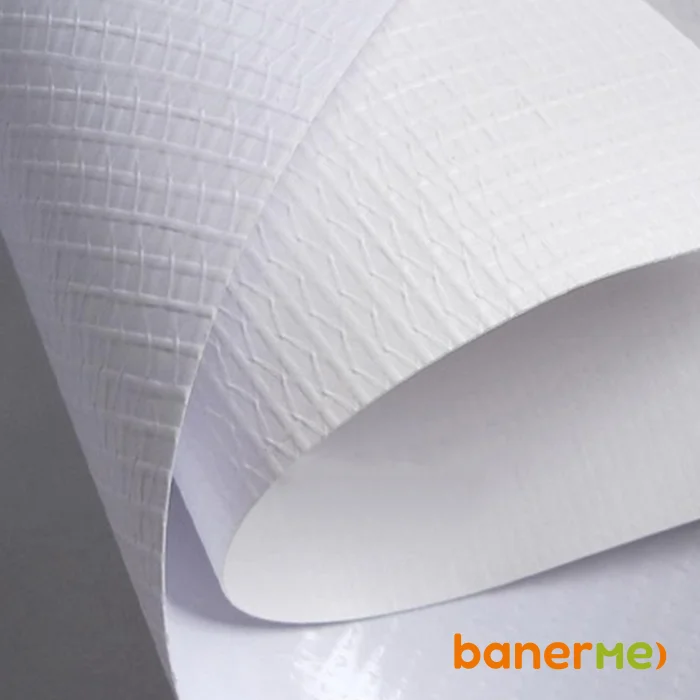
The interior banner is made of special PVC banner fabric, which ensures high quality printing. The image is clear, the colors are bright, and small elements are clearly visible even from a close distance. That is why the interior banner is perfect for rooms where the client comes into contact with advertising at a short distance. The material does not have a pungent odor, so it is safe for use in sales halls, offices, showrooms and other public spaces.
Banner for interior advertising is actively used for various business tasks. Most often it is used to place promotions, special offers, seasonal discounts or present new products. Also, an interior banner effectively works as a navigation element - it helps customers to quickly navigate the space. In addition, an indoor banner is used to design retail areas, brand the interior and create a single visual style.
Very often, an indoor banner is ordered as a store banner, where it is important to quickly draw attention to a certain product or offer. In cafes and restaurants, an interior advertising banner is used to promote menus, promotions, or new items. In beauty salons and showrooms, the banner helps emphasize the brand's style and create a professional impression. In offices and business centers, an interior banner performs an informational function and supports the company's corporate image.
Printing of interior banners is performed individually for each task. You can choose any size depending on the space where the banner will be placed. A choice of material density and various edge finishing options is also available - for example, installing eyelets for convenient installation. Thanks to this, the banner is easy to mount and quickly dismantled if necessary, which is especially convenient for temporary advertising campaigns or seasonal promotions.
Another advantage of an interior banner is its versatility. It can be used as a short-term solution for a separate promotion or as a permanent element of the room's decoration. At the same time, the banner retains its attractive appearance for a long time and does not require complex care.
An important reason for the popularity of the banner for interior advertising is its affordable cost. Compared to other formats of interior advertising, the banner combines the optimal price and high efficiency. That is why it remains a profitable solution for small and medium-sized businesses that seek to get results without significant costs.
If you need to order an interior banner, an indoor advertising banner or a store banner, this format will be a practical and versatile solution. An interior banner helps create a noticeable advertisement that does not overload the space and harmoniously fits into the interior.
Ordering a banner is a quick process that doesn’t require any complicated preparation. You simply choose the parameters, upload the layout, and receive a ready-made product that works for your business right away. That’s why an indoor banner remains one of the most convenient tools for effective communication with customers.
Characteristics
| Number: | from 1 piece, the price per 1 m² includes material, printing, edge processing, installation of fasteners |
|---|---|
| Size: | individual (custom-made), from 50x30 cm to 800x500 cm |
| Material: | PVC banner fabric (interior) |
| Density: | 380–440 g/m |
| Printing: | full-color printing (CMYK), eco-solvent / UV printing |
| Edge processing: | optional: turnout with fixation, without turnout |
| Fastening: | optional: eyelets around the perimeter with a step of 20-30cm / eyelets at the corners |
| Eyelets: | silver, diameter 9mm |
| Using: | indoors |
| Production time: | 2-3 business days, depending on the load and volume of orders, the term is agreed upon additionally |
| Packaging: | in a roll or folded into an envelope and in stretch film |
| Delivery: |
|
Layout requirements
When providing a banner layout for printing, check that it meets the following parameters:
- The size of the layout must correspond to the cut size + perimeter allowances and be provided at a scale of 1:1.
- The layout should be made with 0.5 cm overhangs on each side - if you do not plan to make a turn-up and put eyelets, and 1 cm - if there should be eyelets.
- The information part should be located no closer than 5 cm to the edge of the layout, taking into account the protrusions.
- All “overlay” elements (background or background image) must occupy the entire layout area to the edge.
- Files should not contain cut marks, alignment crosses, scales, or any other elements.
- RGB color model (sRGB IEC 61966-2.1 profile) or CMYK (CoatedFOGRA39/ISO_Coated_v2_ECI profile).
- The file resolution should be 50-100 dpi.
Acceptable file formats for upload:
Layouts in format PDF
- Versions 1.4-1.7, PDF/X-1a – PDF/X-4.
- Can have transparencies and objects in Pantone colors.
- All fonts are converted to curves or embedded in the file.
Layouts in format TIF
- All layers must be merged.
- The file must not contain alpha channels.
How to order

In detail
- Choose the desired banner size
- Click the "Download ready-to-print layout" button«
- Select a file on your computer, phone and add it (PDF, TIF, TIFF formats)
- Wait for the download indicator and file verification
- Choose a delivery option, payment method and wait for your order.
- You can check the status of your order in your personal account on the website or by email.

In detail
- Choose the desired banner size, later you can change it in the editor.
- Click the "Create New Design" button«
- Add text (name, phone number, promotion), upload a photo or logo (optional)
- Arrange the elements as you like and save the layout
- Everything happens in the browser, so there's no need to install anything
- After saving, add the banner to your cart and place your order
- Choose a delivery option, payment method and wait for the delivery notification.
- You can check the status of your order in your personal account on the website or by email.